Creating tasks from iOS Safari vs. Chrome
I know the indie blogosphere detests Chrome, but bear with me.
Or don’t. 🤷♂️
Safari was buggin’ out on my iPhone one day so I tried using Chrome for a bit. I soon learned that Safari has a big advantage in one of my common workflows.
In mobile Safari, when I select text, then use the share action for the current webpage (not just the selected text), and share to either Todoist or Things, the resulting task includes three helpful things: the page URL, the page title, and the selected text.
Here’s an example. Suppose I have some text selected like so:
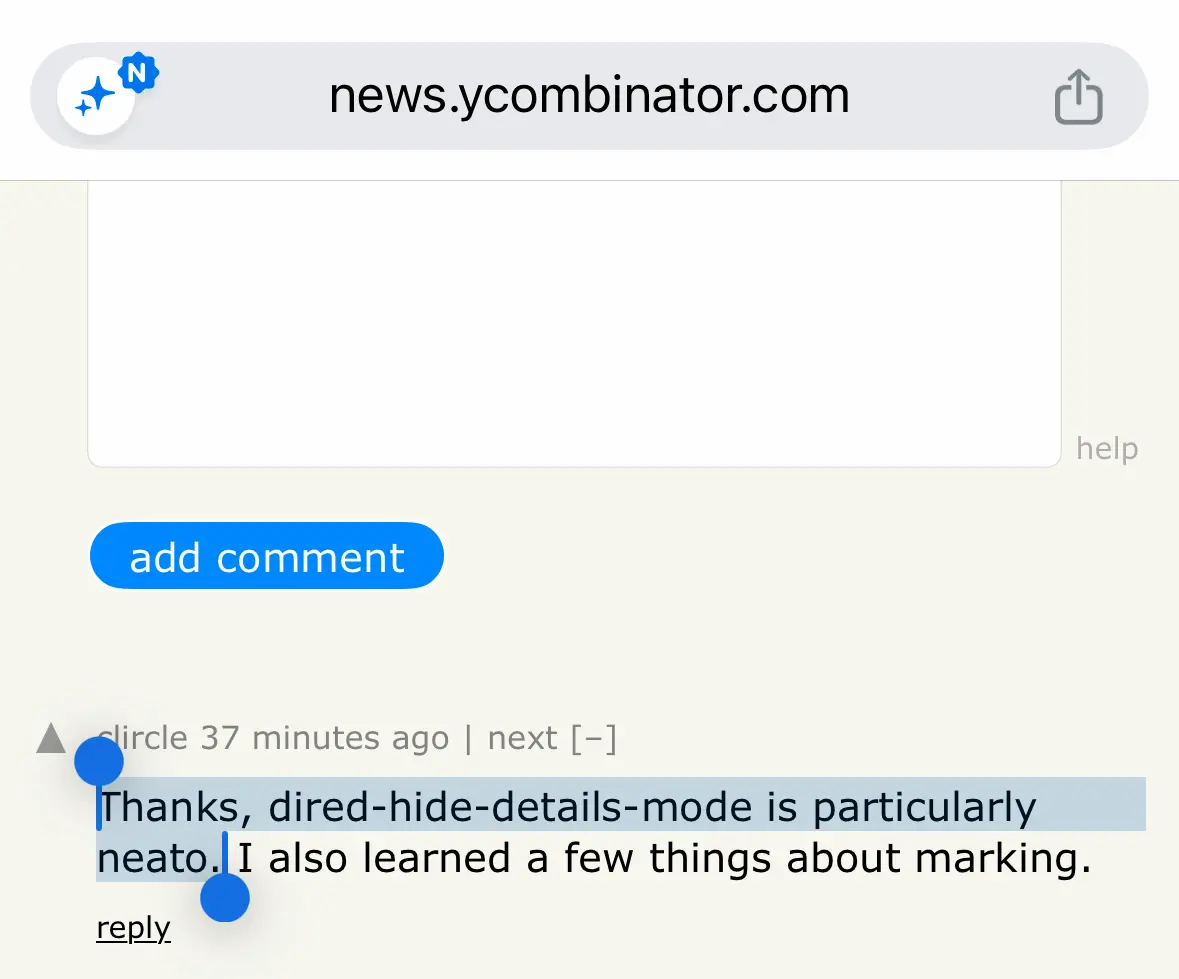
(These images are probably appearing too large. Trying to figure out how to scale them down without losing the sharpness.)
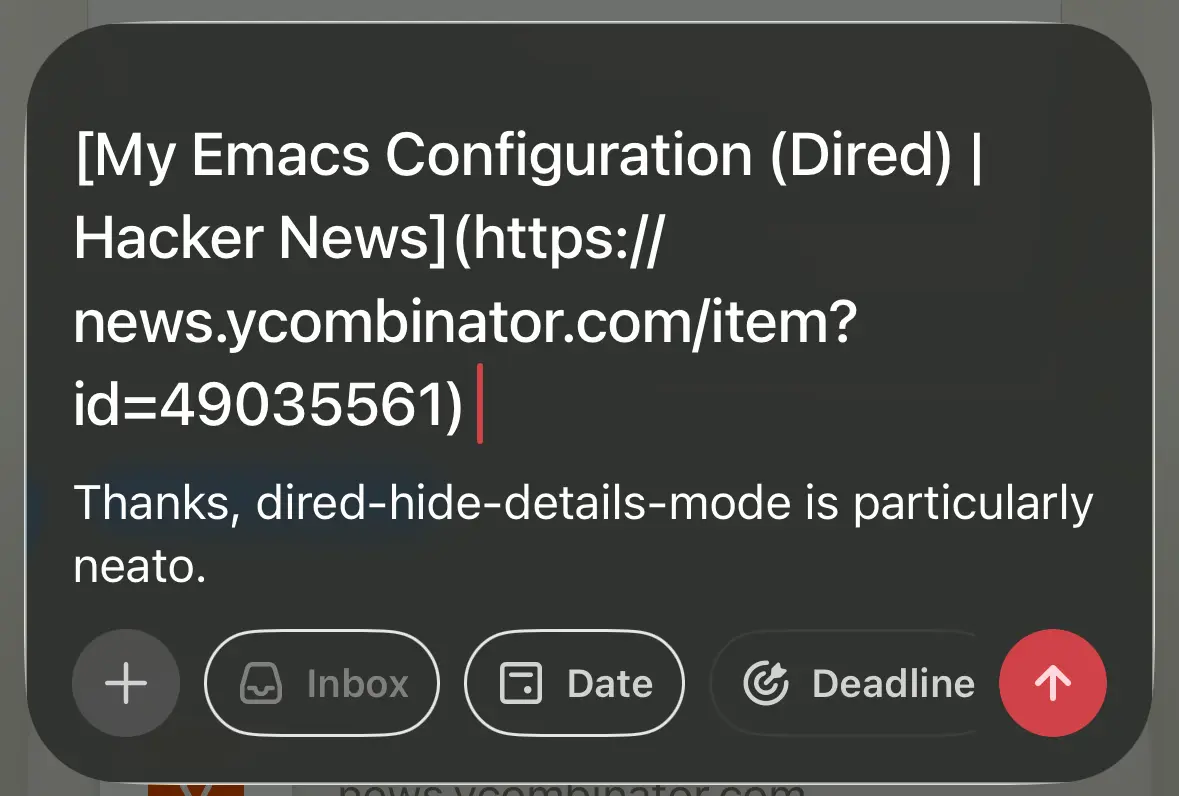
When I share via Safari, I get a Todoist task like this, with a Markdown link as the task title and the selected text as the description:
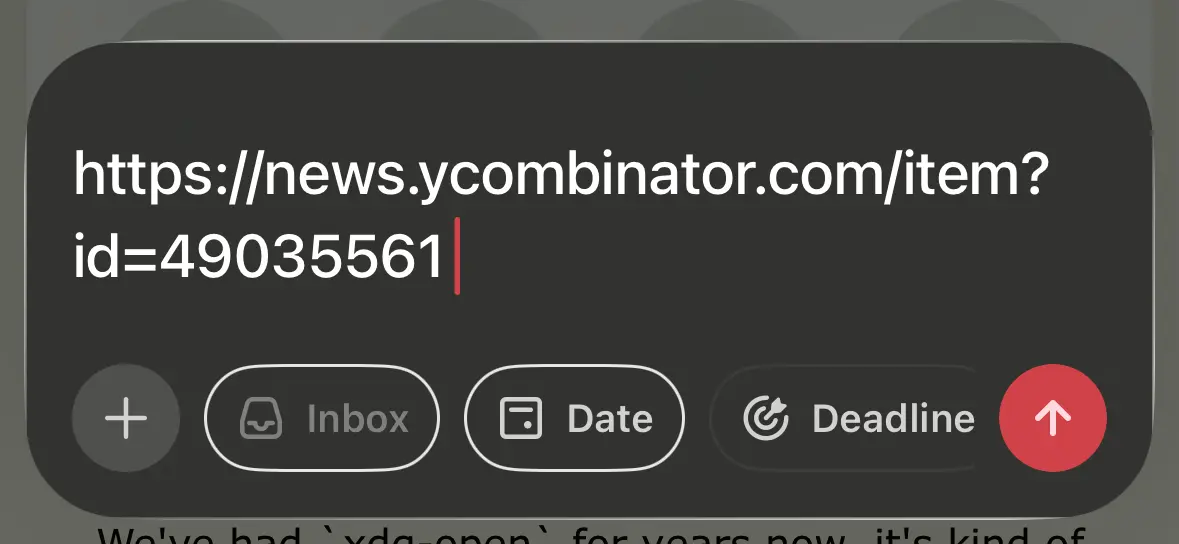
But if I do the same thing in Chrome, I get only this:
I use this workflow all the time to capture snippets I want to save to my notes, or blog about, or come back to revisit, or whatever. Safari’s capability here is a massive win for me.
I asked Gemini why Safari works better. It said that in this scenario, Safari passes multiple payloads to the iOS Share Sheet, and Things and Todoist know how to handle them. Chrome only passes the URL.
This is perhaps the least soapboxy reason to ditch Chrome, but it’s a good one in my book!